Set Up IAM Policies for Lambda When Using Amazon Connect
When integrating AWS Lambda with Amazon Connect to trigger outbound voice calls, one of the most common errors developers encounter is:
AccessDeniedException: User is not authorized to perform: connect:StartOutboundVoiceContactThis happens because Lambda runs under an assumed execution role, which must explicitly allow Amazon Connect API permissions.
This guide continues from the main integration tutorial and focuses specifically on IAM configuration:
👉 Add Voice Call OTP to Cognito Using Amazon Connect
http://shiftsaas.com/amazon-connect/add-voice-call-otp-to-cognito-using-amazon-connect/
In this guide, you will:
- Understand how Lambda assumes its execution role
- Identify why the
AccessDeniedExceptionoccurs - Configure the correct IAM permissions for Amazon Connect
- Locate the required ARNs for your Connect instance
Understanding the Assumed Role Used by Lambda
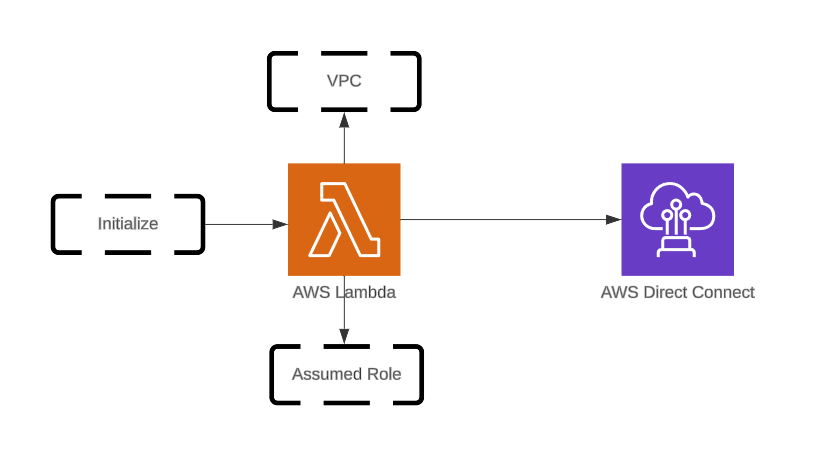
When you create a Lambda function, AWS also creates an execution role. At runtime, Lambda assumes this role through STS (Security Token Service).
This role controls:
- which AWS APIs the function can call,
- whether it can talk to Amazon Connect,
- and whether outbound voice calls are allowed.
The diagram below shows how outboundCallFunc assumes execution role outboundCallRole:
Use this Lambda to trigger outbound voice calls with OTP spacing for better TTS (text-to-speech) clarity:
const crypto = require('crypto');
const { outboundVoiceFunc } = require('./MFA.js');

exports.handler = async (event) => {
  const otpCode = crypto.randomInt(100000, 999999).toString();
  const otpCodeStr = otpCode.split('').join('');

  await outboundVoiceFunc({
    phoneNumber: process.env.CALLER_PHONE_NUMBER,
    contactFlowId: process.env.CONTACT_FLOW_ID,
    otpCodeStr
  });

  return event;
};Helper Module – MFA.js
const AWS = require('aws-sdk');
AWS.config.update({ region: process.env.AWS_REGION });

const connect = new AWS.Connect();

async function outboundVoiceFunc({ phoneNumber, contactFlowId, otpCodeStr }) {
  try {
    const params = {
      DestinationPhoneNumber: phoneNumber,
      ContactFlowId: contactFlowId,
      InstanceId: process.env.CONNECT_INSTANCE_ID,
      SourcePhoneNumber: process.env.CONNECT_SOURCE_NUMBER,
      Attributes: { VoiceMFA: otpCodeStr }
    };

    await connect.startOutboundVoiceContact(params).promise();
  } catch (err) {
    console.error('Error initiating outbound call:', err);
    throw err;
  }
}

module.exports = { outboundVoiceFunc };Even with correct code, execution will fail if required Amazon Connect permissions are missing.
When Lambda runs, AWS assigns a temporary STS identity:
arn:aws:sts::<account-id>:assumed-role/outboundCallRole/outboundCallFuncIf this STS identity does not have:
connect:StartOutboundVoiceContactyour Lambda will fail with:
AccessDeniedException: User is not authorized to perform connect:StartOutboundVoiceContactThis confirms that the IAM role attached to Lambda lacks required Amazon Connect permissions.
Verifying IAM Access Before Editing Roles
Before editing any role, ensure your AWS login has IAM management privileges.
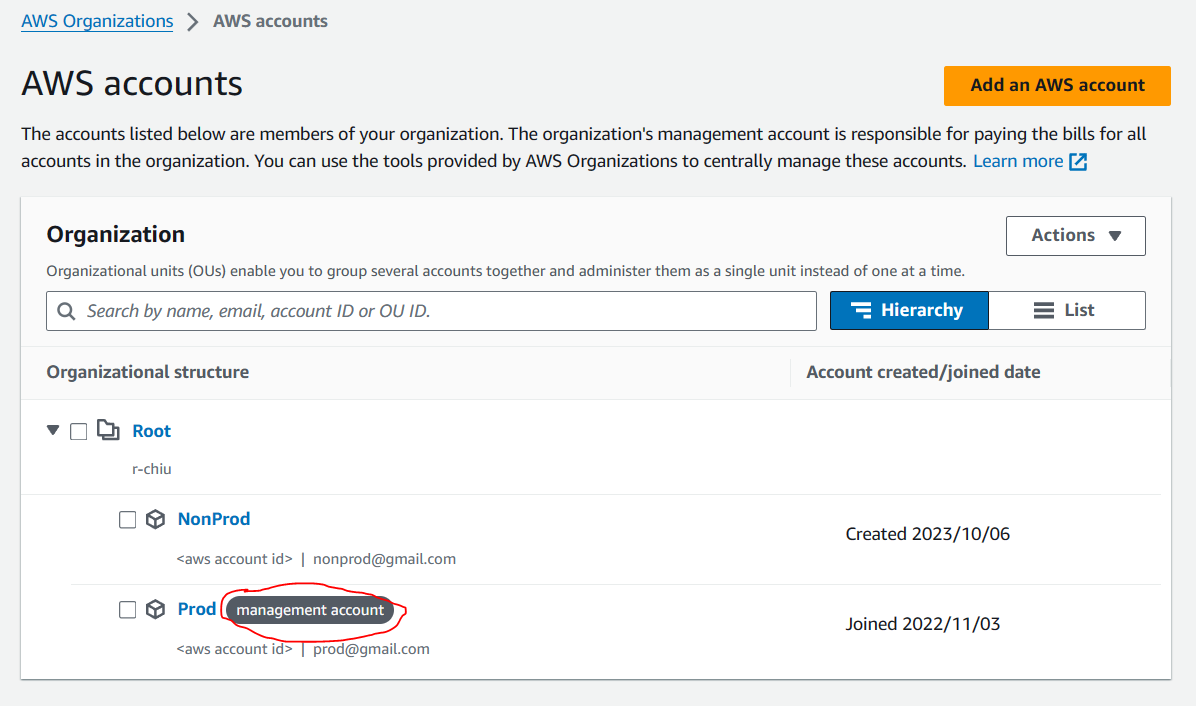
Case 1 – Management (Payer) Account
You will have direct IAM access:
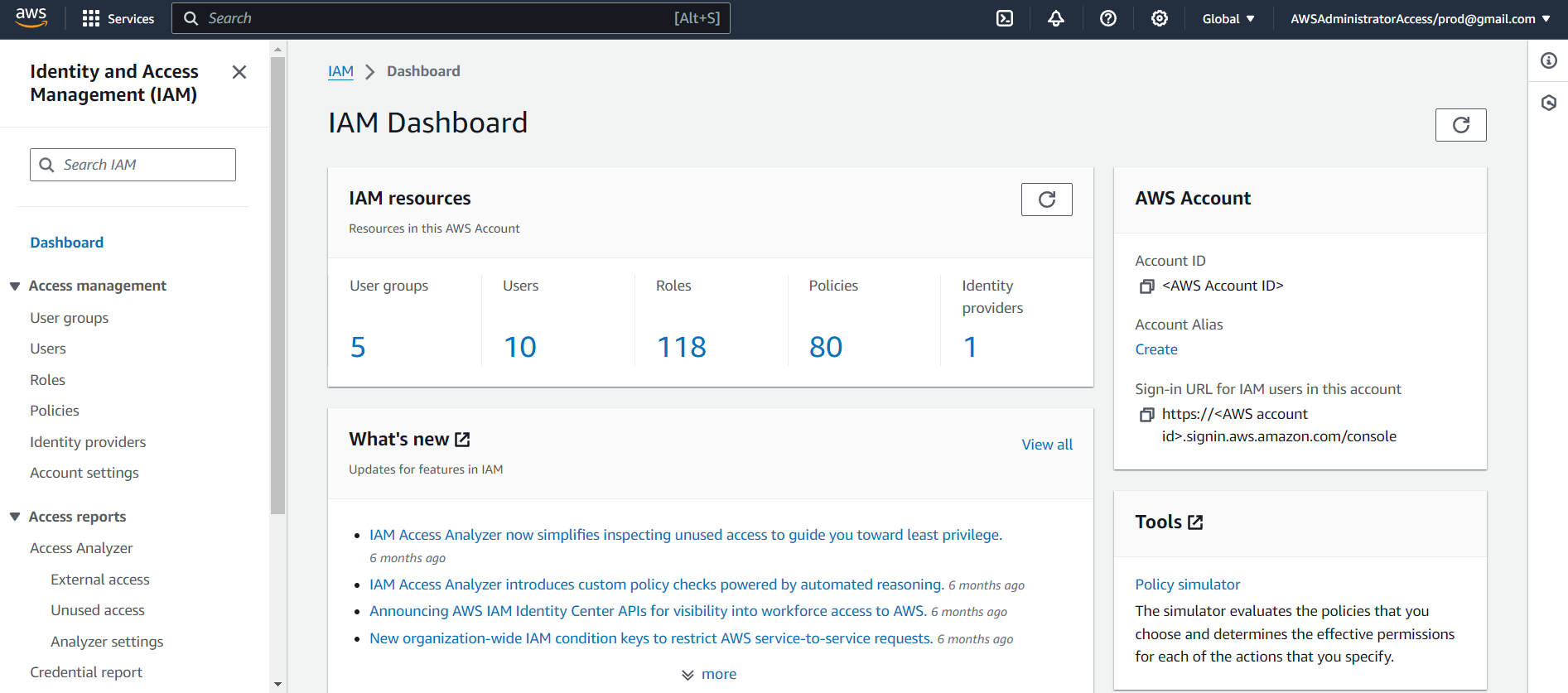
Case 2 — AWS Control Tower Sub-Account
Your user must have a Permission Set that includes:
IAMFullAccess, orAWSAdministratorAccess
Check assigned permissions:
Within the IAM user dashboard, you will see the Permission Set applied:
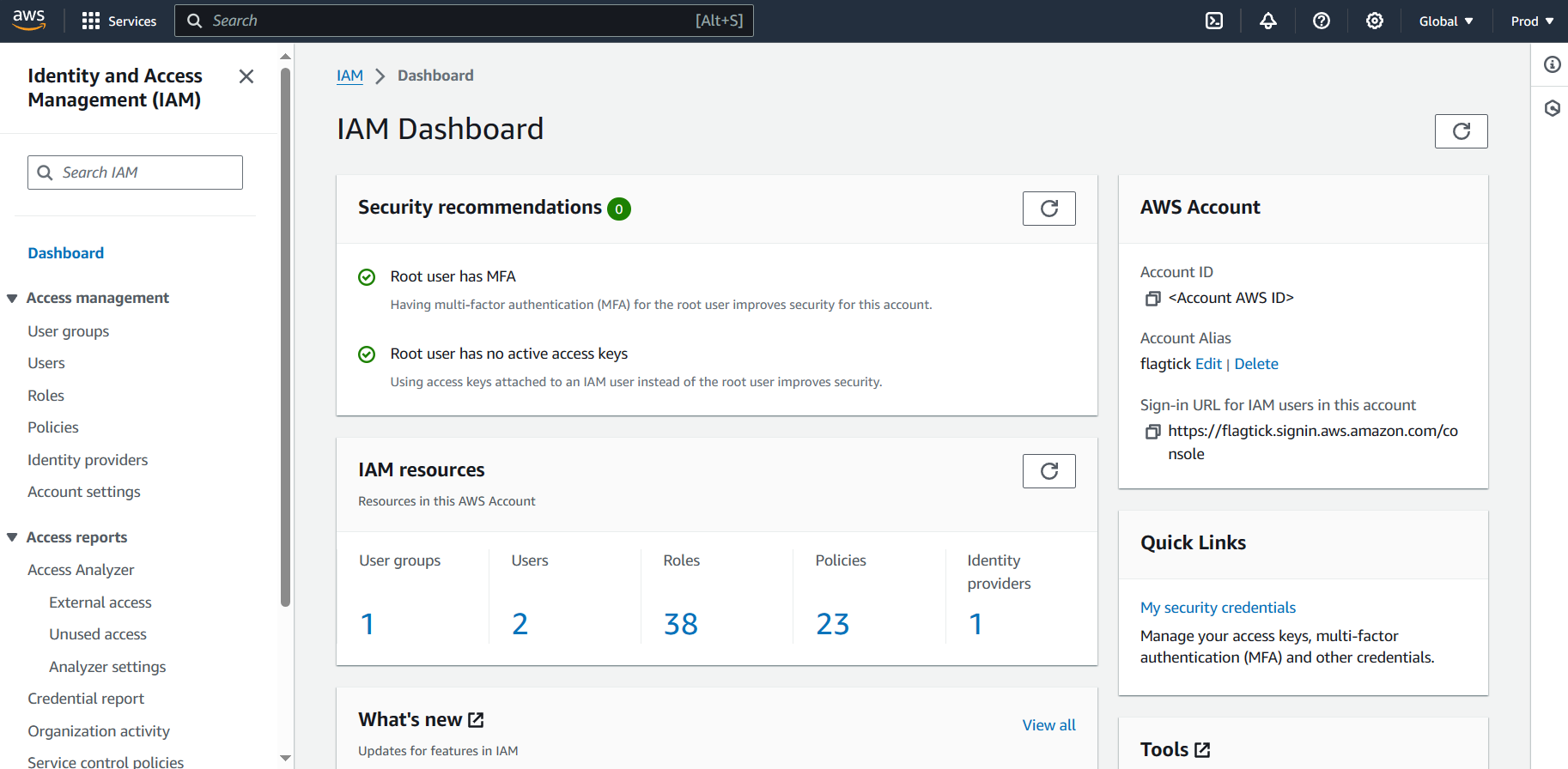
Most AWS environments use IAM Groups / Permission Sets (DevOps, Developers, TechLeads).
These groups attach policies that determine what members can do.
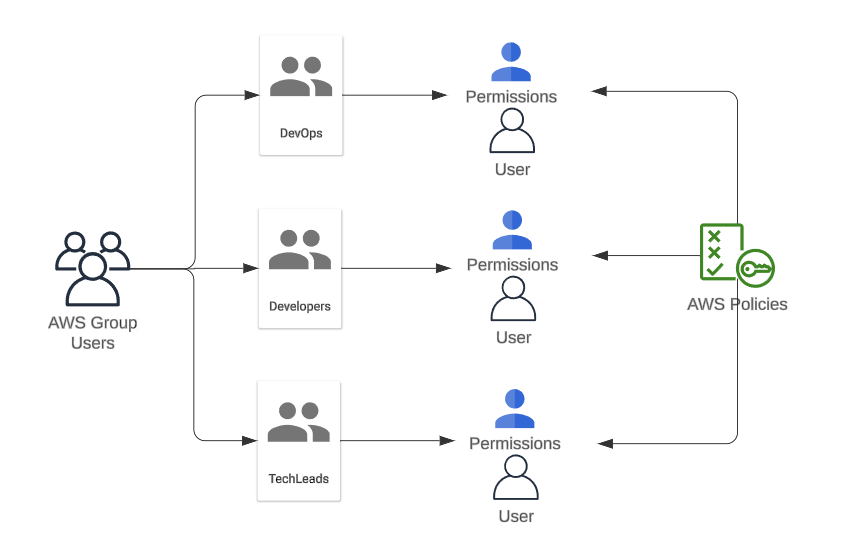
Proper permissions are required to edit IAM roles safely.
Adding Required Policies to outboundCallRole
With IAM access verified, open:
IAM → Roles → outboundCallRole
Scroll down and choose:
Add inline policy → JSON
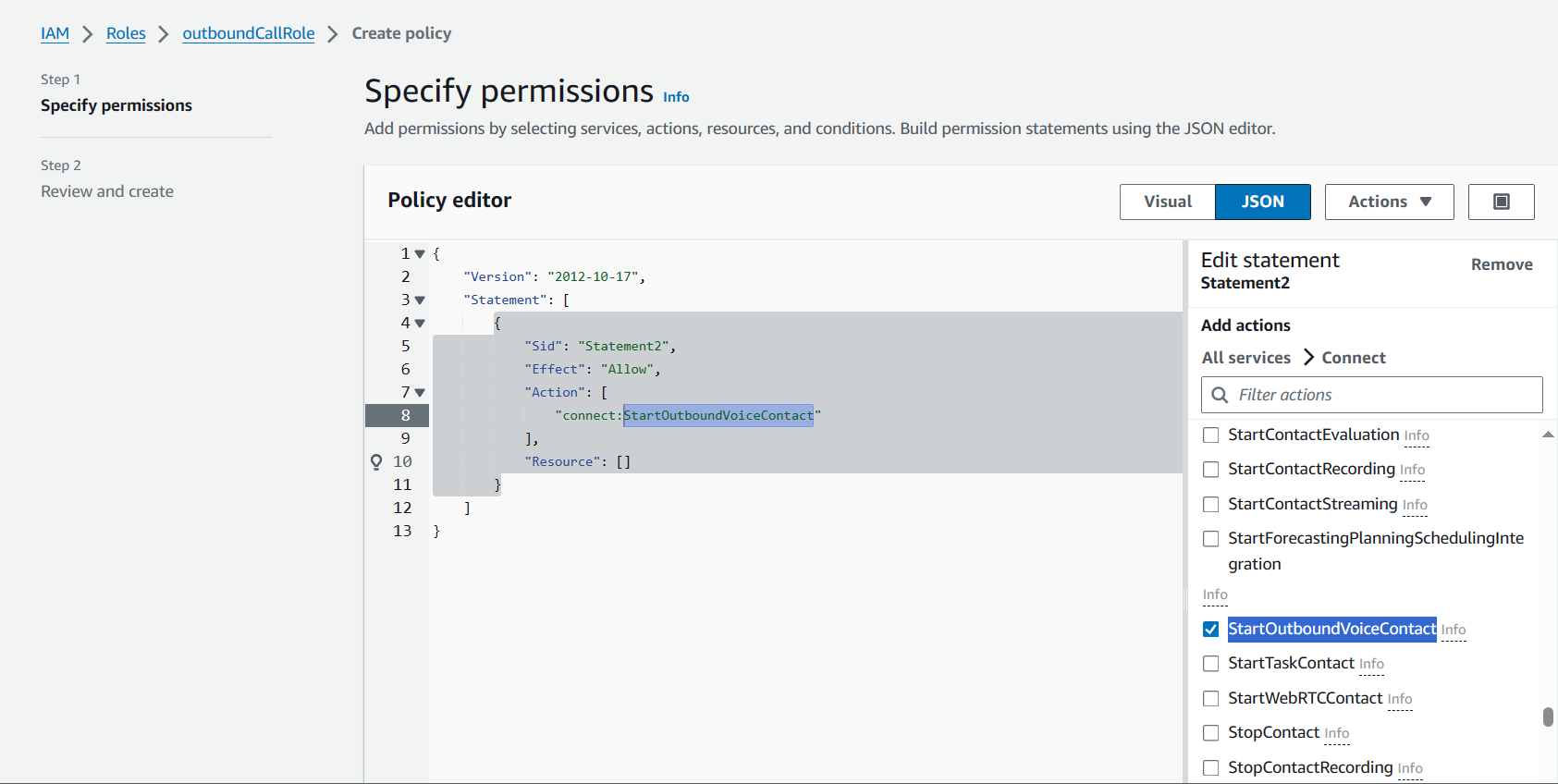
Paste the policy shown below:
{
  "Version": "2012-10-17",
  "Statement": [
    {
      "Sid": "Statement2",
      "Effect": "Allow",
      "Action": [
        "connect:StartOutboundVoiceContact"
      ],
      "Resource": "arn:aws:lambda:ap-southeast-1:<AWS Account ID>:function:outboundCallFunc"
    }
  ]
}❗ Correction Needed: Amazon Connect permissions must reference a Connect instance ARN, not a Lambda ARN.
Replace it with:
arn:aws:connect:ap-southeast-1:<AWS Account ID>:instance/<INSTANCE_ID>/contact/*Where INSTANCE_ID is your Amazon Connect instance.
Finding Your Amazon Connect Instance ID
Go to Amazon Connect → Instance → Overview, where you’ll find the instance ARN.
arn:aws:connect:ap-southeast-1:123456789012:instance/8e5bb349-23f0-478a-ac58-e09ba143ec3a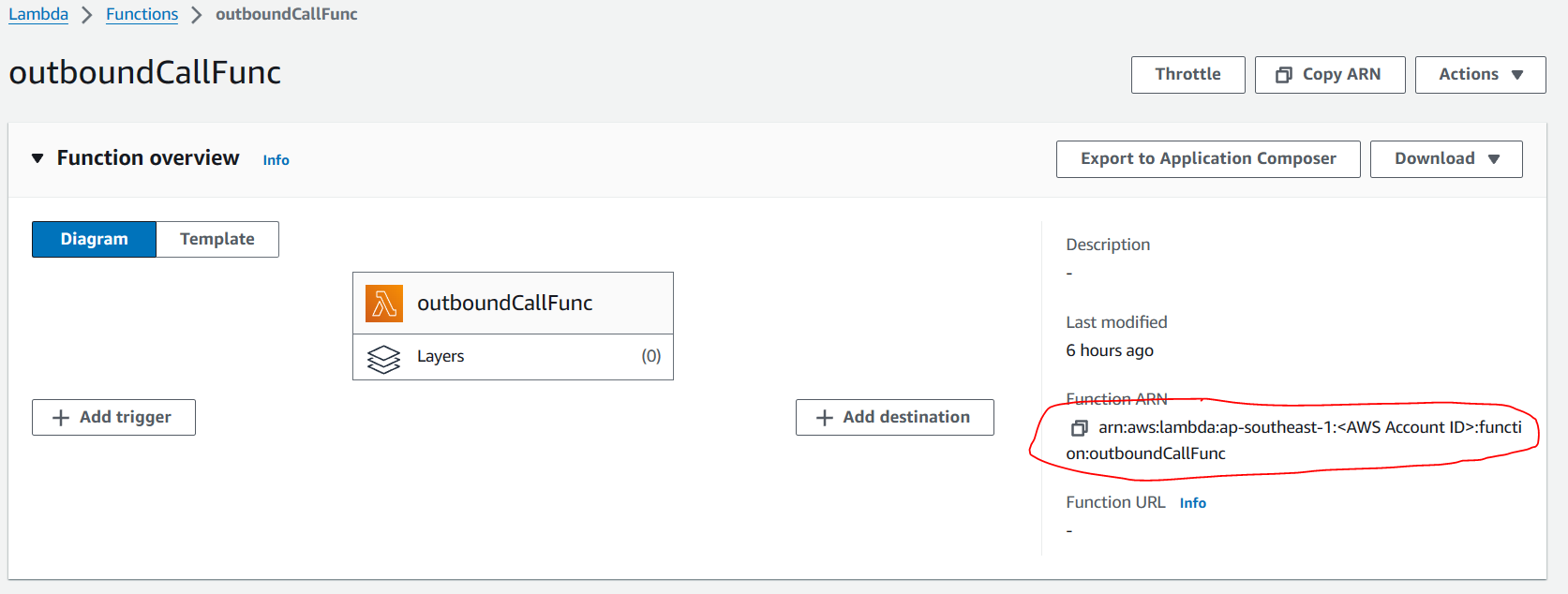
Your INSTANCE_ID is the last segment:
8e5bb349-23f0-478a-ac58-e09ba143ec3aAfter updating the IAM policy with the correct instance ARN, Lambda can successfully trigger outbound calls through Amazon Connect.
What’s Next
In the next part of this series, we explore the full architecture of Amazon Connect voice-call OTP and how it fits into a Cognito Custom Authentication flow.
You will:
- See how Lambda passes OTP digits into your Amazon Connect Contact Flow.
- Configure SSML prompts so Connect reads the OTP clearly, digit by digit.
- Validate the entire Cognito custom challenge flow end-to-end.
This next guide builds directly on the IAM policy you configured here.
Before You Continue
Make sure you:
- Configure the IAM policy on outboundCallRole to allow
connect:StartOutboundVoiceContactfor your Connect instance. - Prepare your Amazon Connect details (Instance ID, Contact Flow ID, claimed phone number).
- Deploy your Lambda and verify logging to confirm the fix.
👉 Continue with the full integration guide: Add Voice Call OTP to Cognito Using Amazon Connect